
Digital transformation in law firms: what’s next?
Published:
Scottish law firms have invested in digital technology, but how much of that technology is actually working together?
Repeated data entry and disconnected signing processes can still create unnecessary work for legal teams.
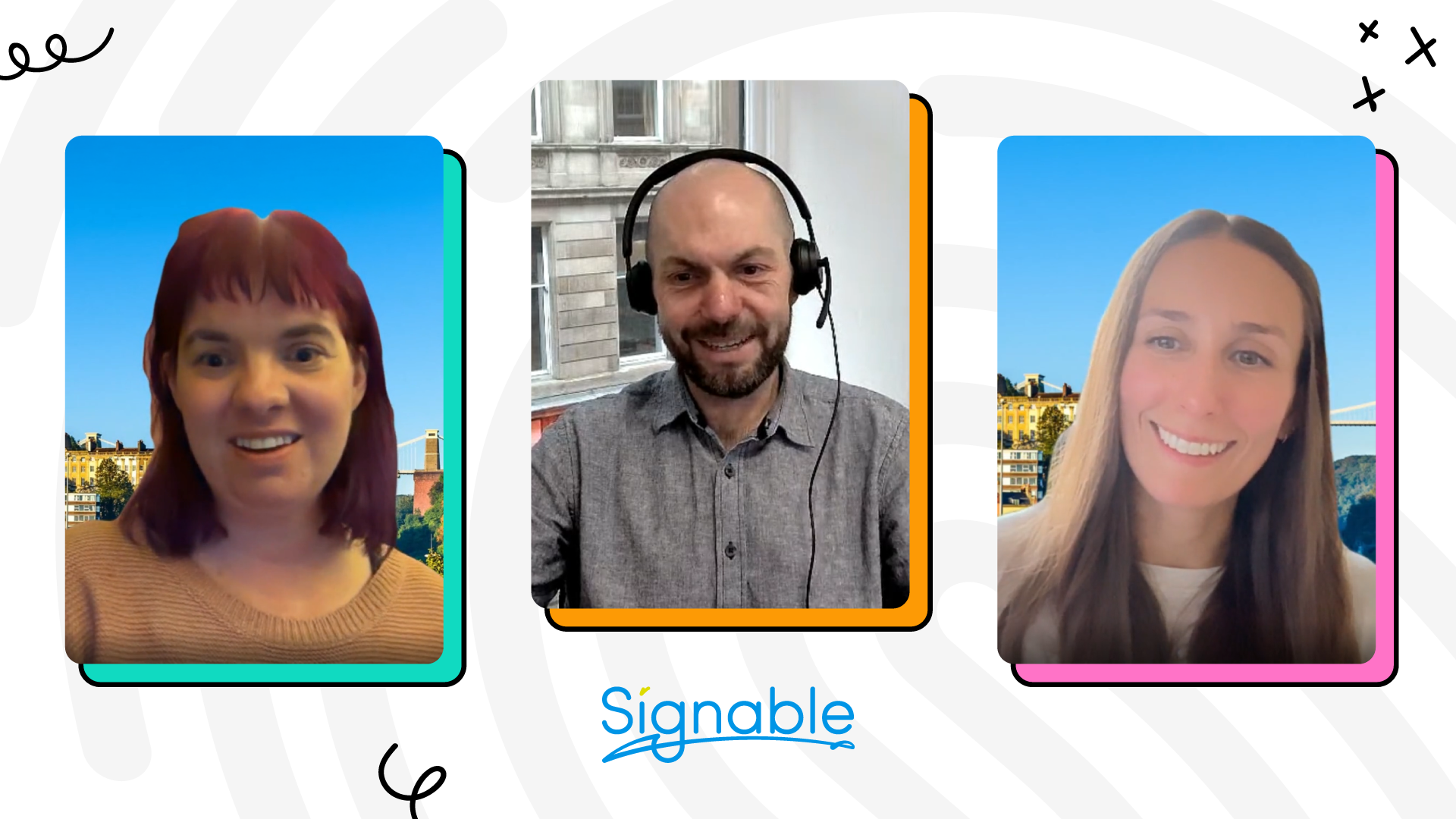
We recently caught up with Steven Hill, Managing Director at Denovo, a provider of legal case management and accounting software for Scottish law firms, and Laura Pagani, Secure Product Manager at Signable.
Together, they explore the evolving legal landscape, the importance of building digital trust, and the role of electronic signatures, including Qualified Electronic Signatures (QES), in helping law firms embrace digital transformation with confidence.
Watch the discussion
Key takeaways
Better integrations can reduce unnecessary admin
Steven believes firms can get more from their existing technology by connecting systems rather than introducing additional standalone tools.
“For me, integrations beat more tools.”
Denovo has integrated Signable into its legal case management software, allowing users to send documents for eSignature directly from their existing system. Templates and signer fields can be configured in advance, reducing repetitive setup for busy legal teams.
For larger firms handling high volumes of documents, this can reduce the time spent preparing them for signature.
Digital trust works both ways
Laura explained that digital trust works both ways. Firms need reliable evidence about who they’re dealing with, while clients need confidence that the processes they’re being asked to use are secure.
Steven also discussed the importance of consistent, secure communications, particularly when clients may be concerned about fraudulent emails or unexpected requests for information.
Different documents need different levels of signing assurance
Laura pointed out that firms need to match the level of signing assurance to the document, rather than using the same approach for every transaction.
While Simple Electronic Signatures (SES) and Advanced Electronic Signatures (AES) may be appropriate for some documents, others may require QES, depending on the document and applicable legal requirements.
“We need to make sure we’re providing the right amount of assurance at the lowest possible friction for customers and for your customers as well.”
For larger practices managing different document types across multiple teams, having access to everyday eSignatures and QES in one platform can offer greater flexibility. Signable supports both options, allowing firms to choose the appropriate signing method without relying on separate providers.
Stronger identity verification can still be straightforward
Steven shared his experience testing Signable’s QES identity verification process using his physical passport. He found the checks thorough, which gave him greater confidence in the security of the process.
He also found it more straightforward than expected, reinforcing Laura’s point that stronger identity assurance should be balanced with a practical signing experience.
Putting the discussion into practice
If your firm is reviewing its approach to electronic signing, here are four areas worth looking at:
1. Review your signing workflows. Look for repeated data entry, manual setup, or unnecessary switching between your case management system and signing provider.
2. Check your QES requirements. Establish which document types require higher signing assurance and whether your current provider supports them.
3. Assess your identity verification process. Review the checks used for remote signing and whether they provide appropriate assurance for different transactions.
4. Review how you communicate with clients. Consider whether clients can easily recognise genuine communications from your firm and understand when they’re being asked to complete a secure signing process.
Explore QES for Scots law
Is your firm reviewing its signing arrangements? Signable can help you bring everyday eSignatures and QES together on a single platform, with options to integrate signing into your existing workflows.
Explore Signable QES for Scots law

Peter Amey
Get started in under 60 seconds
Start sending documents now.