
How to sign a Signable document
If you’ve been sent a Signable document to sign, you can get started straight from the email you received.
You don’t need to create a Signable account.
1. Open your document
Click the link in the email from [email protected] to open your document.
2. Complete all fields
Fill in all the fields shown in the document. You may be asked to enter information such as your name, address, or the date, or to upload ID.
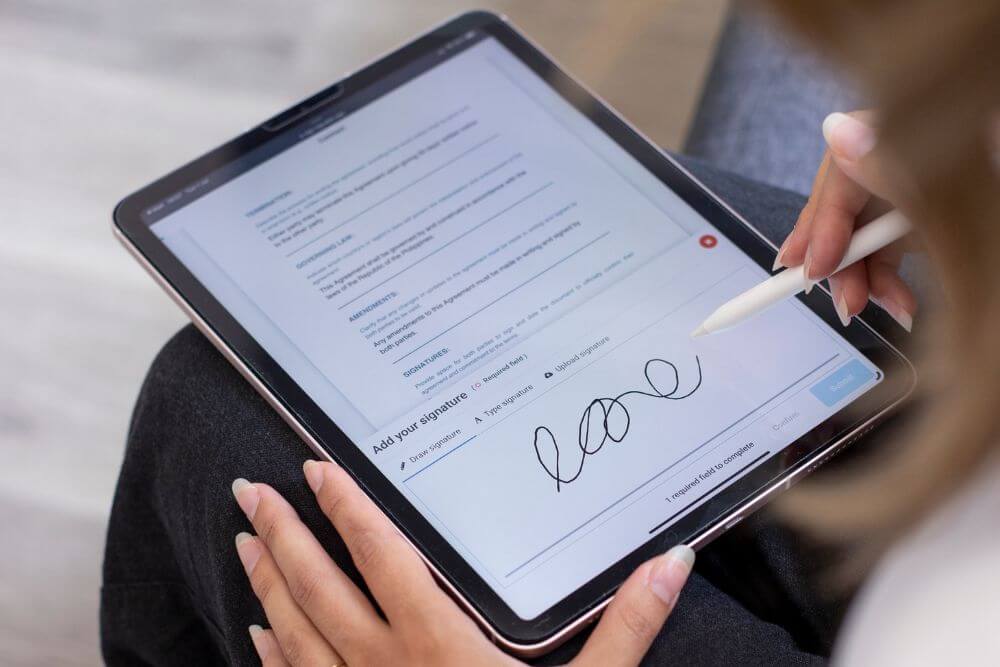
3. Add your signature
When you reach the signature field, you can:
- Type your signature
- Upload an image of your signature
- Draw your signature
4. Check and Submit
Review your details, then click ‘Submit Document’. That’s it. Your document is signed and submitted.
What happens next?
Once everyone has signed, you’ll receive an email with the completed document and certificate of signature attached.